
Guest article from techwarrior.com.
We’ve helped at least three people this month who lost money after clicking a link in an email that looked completely legitimate. Not phishing emails full of typos and broken English — real, professional-looking messages from what appeared to be the IRS, their bank, a shipping company, or a billing department.
If you’ve ever gotten an email that made your stomach drop for a second — “your account needs immediate attention,” “your document is ready,” “action required within 5 business days” — this post is for you.
What These Scams Actually Look Like Now
The days of obviously fake scam emails are mostly over. Today’s versions:
- Use real company logos and formatting
- Come from addresses that look official at a glance
- Include reference numbers, dates, and “case IDs” to feel legitimate
- Create urgency with a deadline — 5 business days, 24 hours, “before your account is suspended”
- Ask you to click a button to “download your document” or “verify your account”
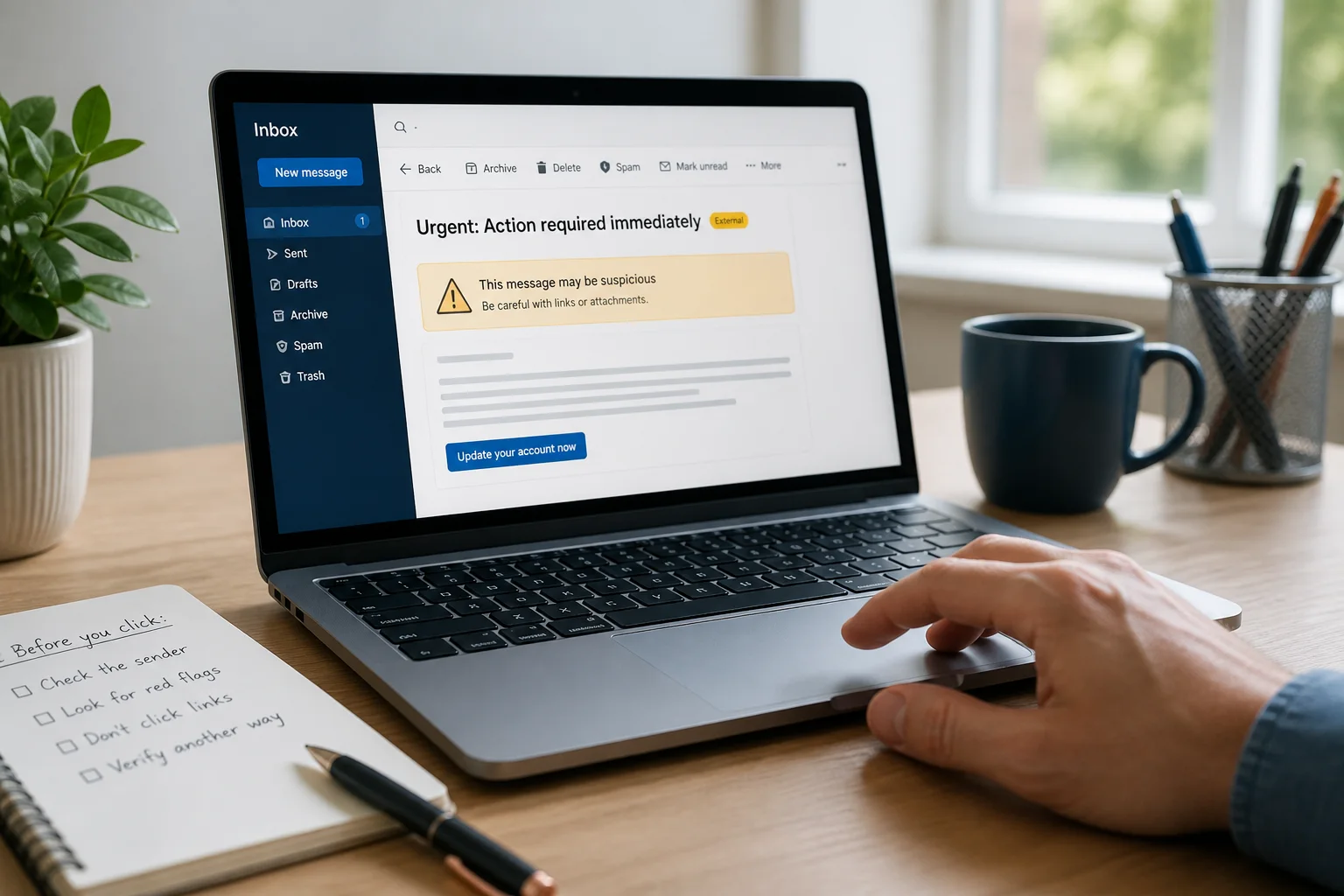
We recently examined an email formatted exactly like an official IRS notice — real letterhead, a fake CP2000 tax document reference number, and a countdown deadline. The sender address wasn’t from the IRS at all. And the “Download Your Document” button didn’t lead to a document.
What Actually Happens When You Click
This is the part most people don’t expect: the link doesn’t always download a PDF or open a fake login page. In a growing number of these scams, clicking the button installs remote access software directly onto your computer — the same type of tool IT professionals use to legitimately help clients remotely.
Once that software is installed, whoever sent the email can potentially:
- See and control your screen in real time
- Access saved passwords and browser data
- Get into online banking sessions
- Move or authorize transfers
- Install additional malware
- Lock you out of your own accounts
This isn’t theoretical. It’s the exact pattern behind the cases we’ve handled this month alone.
The Red Flags, In Order:
- The sender address doesn’t match the real company. Look past the display name — check the actual email address behind it.
- The email mentions a failed authentication or security warning. Some email providers now flag this automatically. Take it seriously when they do.
- There’s a deadline. Legitimate government agencies and financial institutions rarely demand action within hours or a handful of days over email.
- You’re asked to download something you didn’t request. A real document you’re expecting rarely arrives as a surprise “click here” button.
- The link leads somewhere unexpected. On a computer, hover over a link before clicking to see where it actually goes. On mobile, this is harder — which is exactly why these scams increasingly target phones.
What To Do Instead:
- Don’t click the link or download button.
- Don’t call any phone number listed inside the email. Scammers include their own “support” numbers.
- Go directly to the official website yourself, typed in manually, or use a number you already know is real.
- When in doubt, ask before you click — a quick call to us costs nothing and takes less time than cleaning up after a real compromise.
If You Already Clicked Something
Shut the computer down and get help right away. The sooner remote access software is removed and any exposed passwords are changed, the less damage a scammer has time to do. Don’t wait to “see if anything happens” — by the time something obviously happens, they’ve usually already had the access they needed.
The Bottom Line
These scams work because they’re built to bypass your judgment in a moment of urgency, not because people are careless. Slowing down for thirty seconds — checking the sender, hovering over the link, or just picking up the phone and calling a real number — is usually all it takes to catch them.
If something looks off, or you’re not sure whether an email is real, send it our way before you click anything. We’d rather look at ten emails that turn out to be nothing than have you deal with what happens after the eleventh one wasn’t.
Author: Rod Rotzien
Techwarrior Technologies
8046 State Highway 55
Rockford, MN 55373
763-634-1480 · techwarrior.com